

 Australia
 New Zealand
Fitness to Drive online forms save time and streamline medical assessments
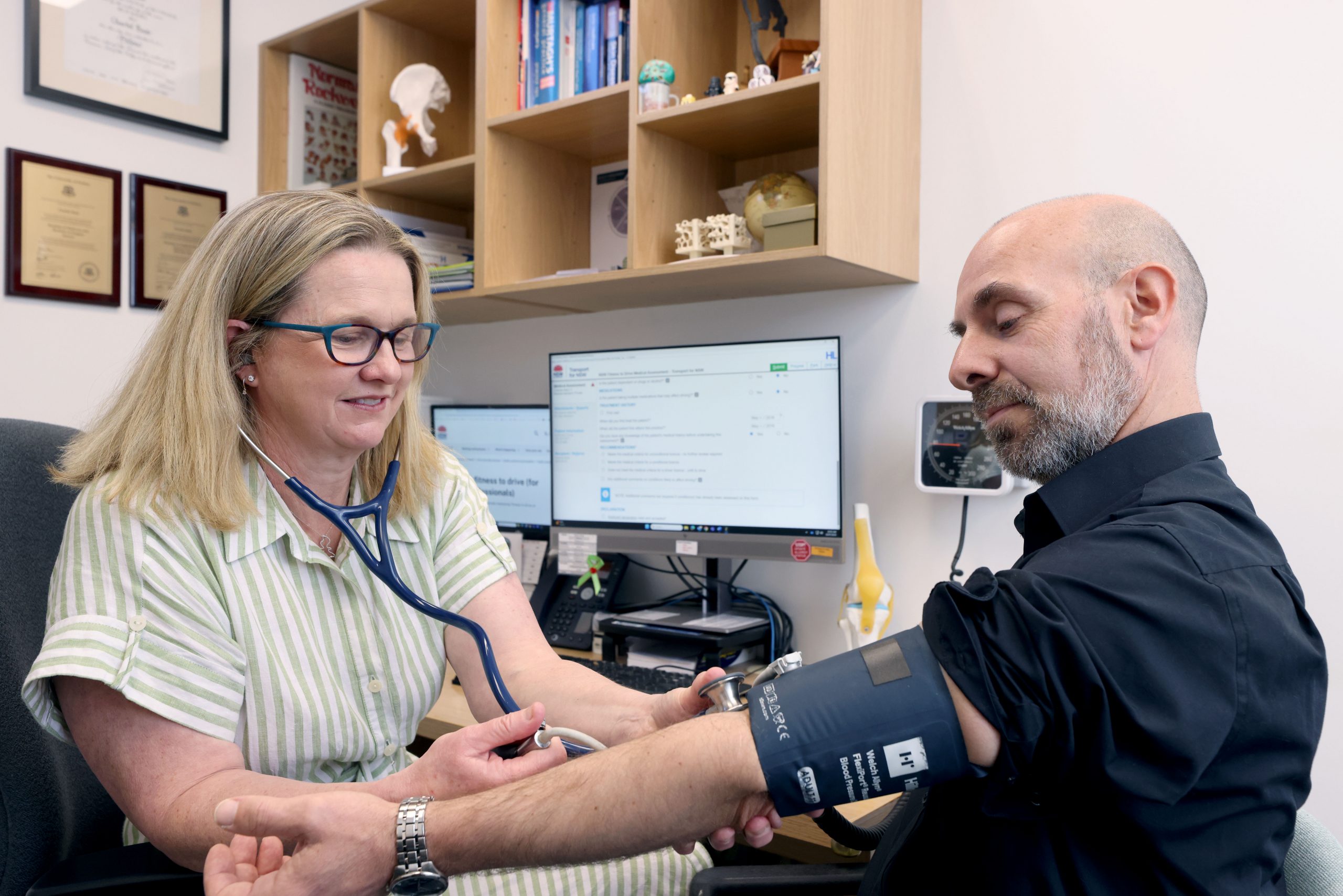
You can submit online medical assessments for Transport for NSW Fitness to Drive requirements and an Alcohol Interlock Program Recommendation directly from your practice management system (PMS) using HealthLink’s secure, online Fitness to Drive SmartForm. More than 5,000 Australian practices are already using HealthLink to submit patient information quickly and securely.
The online Fitness to Drive and Alcohol Interlock Program Recommendation SmartForms are intuitive, quick to complete, and accessible through your PMS by selecting ‘Transport for NSW’ from HealthLink referral services homepage.
Patient details are pre-populated from your records, reducing manual data entry and the risk of transcription errors. Your completed assessment is sent securely, in real time, from your PMS to Transport for NSW, helping to ensure licensing decisions are made without unnecessary delays.
How it works
Key benefits

Get your patients to an assessment faster.

Completed all within your PMS. Eliminates data-entry errors and saves you time with data pre-population.

Secure form delivery to Transport for NSW - giving you and your patients peace of mind.
FAQs

Transport for NSW online medical assessments are secure digital forms that health professionals use to assess and report a patient’s medical fitness to drive. Accessible through HealthLink directly from your practice management system, these forms are pre-filled with patient details from your records and submitted instantly and securely to Transport for NSW.
There are six online medical assessment forms:
-
- NSW Fitness to Drive Medical Assessment
- Medical Condition Notification
- Vision or Eye Disorder Medical Assessment
- Specialist Medical Assessment
- Occupational Therapy Driver Assessment
- Mobility Parking Scheme (MPS)
- NSW Interlock Program Recommendation
These forms streamline the reporting process, reduce paperwork, and help ensure licensing decisions are made without unnecessary delays.
HealthLink and Transport for NSW are improving the experience for Fitness to Drive forms.
Further updates are being made to Fitness to Drive forms. Patients who require a medical assessment to exit their Alcohol
Interlock Program can have their form completed online via HealthLink. This means you can save your patient a trip to a Service Centre to hand in a form.
Other improvements to the Fitness to Drive forms that start 18 May 2026 include:
- A decrease to the medical review frequency for 17 medical conditions which can be manually overwritten by medical practitioners.
- Displaying text prompts and pop-up warnings to guide medical practitioners in completing the forms.
- Improved alignment with the Assessing Fitness to Drive standards.
- Simplification and removal of duplicate questions across forms.
- Routine system maintenance and minor bug fixes.
Each practice management system is slightly different when it comes to accessing the form. The systems that support the online form are:
- Best Practice Lava SP3 and above
- MedicalDirector Clinical 4.3a and above and Helix
- Genie v11 and above
- Medtech Artia v 2.0 and above
- Shexie Platinum
- Zedmed
- Communicare
- MyHealthLink Portal
Helpful user guides have been created for each PMS.
- If you are not able to access the form using your Practice Management System and have a HealthLink account, please call the HealthLink Helpdesk on 1800 125 036 and choose option one or email [email protected]
- If you do not have a HealthLink account, please register for an account by going to the HealthLink Application page. Once you have applied, one of the HealthLink team will be in touch.
You can still submit medical forms online without access to a practice management system by using a web-based portal. To register, please go to the HealthLink Application page and apply for registration. Once you have applied, one of the HealthLink team will be in touch. If you have any questions, please email [email protected]
If you do not have the consent of the patient, you will need to select and complete the ‘Medical Condition Notification’ form.
Yes, if the patient does not hold a NSW driver licence, you can submit an online medical assessment by using their NSW customer number if they have one.
If your patient does not have a valid licence number, you can still submit an online form by selecting the ‘Medical Condition Notification’ form.
You can contact: [email protected]
The standards can be found at Assessing Fitness to Drive
If your patient has a valid NSW licence number or NSW customer number, the HealthLink online medical assessment form will validate and retrieve the patient’s current medical information recorded with the Transport for NSW database.
Once you have clicked the submit button, the system will process the form and return a real-time response. Information confirming receipt of the form will be displayed on the top of the PDF that is generated. You can also print and provide this to your patient for their records.
Unfortunately, Transport does not accept medical forms completed by a Registered Nurse. For a medical report to be considered valid, it is necessary for a registered practitioner/specialist to complete the form as per the Road Transport (Driver Licensing) Regulation 2017 60 (1)(c).
- Inbuilt guidance to help you assess your patients in line with the required licensing standards.
- Information is securely and instantly sent to Transport, and you will receive a real-time response that can be shared with your patient on the spot.
- A copy of the completed form will be saved to the patient record for future case review and completions.
- Time and costs involved in handling, distributing and duplicating paper-based patient information will be reduced, significantly improving efficiency for practices.
- Patients will no longer need to take their paper form to a Service NSW service centre for processing.
- Avoid using unnecessary free text. For example, if you select the option the patient meets the criteria, there is no need to further write the patient meets the criteria in the free text box. This will create delays to the processing time for your patient.
- Avoid adding attachments to the form that are not critically related to your patient’s Fitness to Drive.
- If your patient is a public passenger driver, please select the option that the medical report is for the purpose of driving passenger vehicles. This will prioritise your patient’s report for processing.
- When completing the online form, please only provide information that is relevant to your patient’s Fitness to Drive.
- If your patient requires a driving test due to age, Transport will automatically request one, you do not need to select the option for a driving test on the form.

